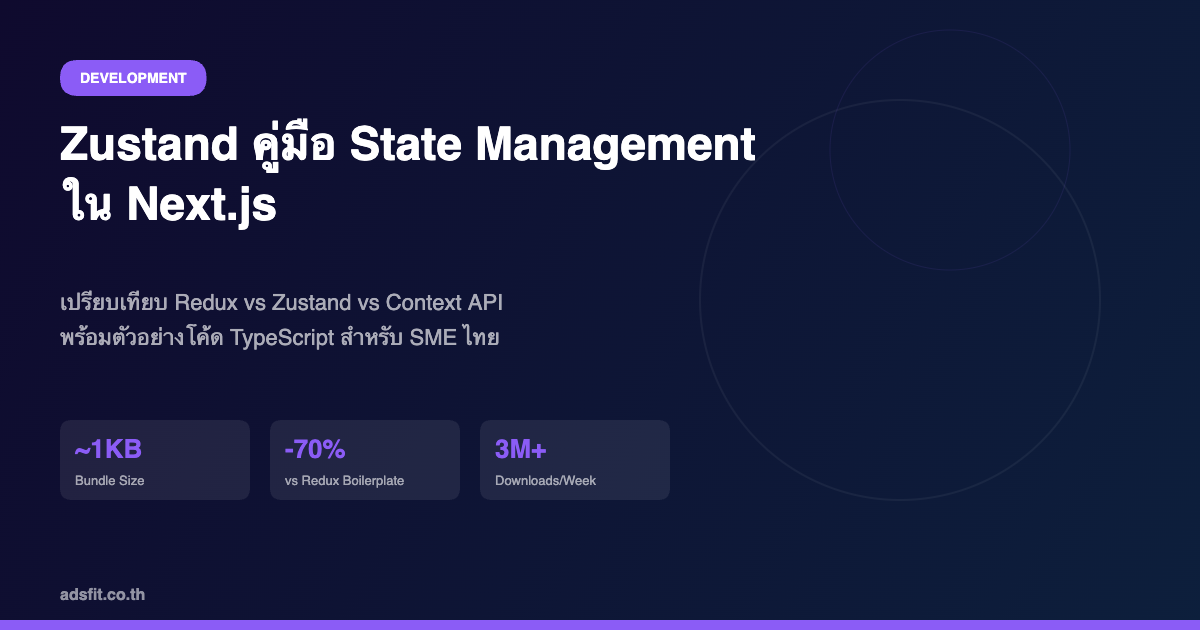
# Zustand คืออะไร? คู่มือ State Management ใน Next.js สำหรับนักพัฒนา SME ปี 2026
หากคุณเคยสร้างแอปพลิเคชันด้วย React หรือ Next.js คุณคงรู้จัก "ปัญหา state" — เมื่อข้อมูลต้องส่งผ่าน component หลายชั้น หรือต้องแชร์ระหว่าง component ที่ไม่เกี่ยวข้องกัน สถานการณ์นี้เรียกว่า "prop drilling" และมันคือหนึ่งในความเจ็บปวดยอดฮิตของนักพัฒนา Frontend
ในอดีต Redux คือคำตอบมาตรฐาน — แต่มันซับซ้อน ต้องเขียน boilerplate เยอะ และมักทำให้โปรเจกต์เล็กๆ กลายเป็นงานหนัก Zustand คือทางเลือกที่เบา เร็ว และเข้าใจง่ายกว่ามาก
บทความนี้จะพาคุณเรียนรู้ Zustand ตั้งแต่แนวคิดพื้นฐาน วิธีติดตั้ง การใช้งานจริงใน Next.js 15 รวมถึงเปรียบเทียบกับ Redux และ Context API เพื่อให้คุณเลือกใช้ได้ถูกสถานการณ์
Zustand คืออะไร?
Zustand (ภาษาเยอรมัน แปลว่า "State") คือ library สำหรับจัดการ state ใน React ที่พัฒนาโดย Pmndrs มีจุดเด่นคือ:
Zustand ทำงานบนหลักการ "Flux" เหมือน Redux แต่ลดความซับซ้อนลงมาก โดยให้คุณสร้าง store เป็น plain JavaScript object และใช้ hook ในการเข้าถึง state
ทำไมนักพัฒนา SME ถึงควรเลือก Zustand?
สำหรับทีมพัฒนาขนาดเล็กหรือ SME ที่ต้องการ deliver งานเร็ว Zustand ให้ประโยชน์หลายอย่าง:
ติดตั้งและเริ่มต้นใช้งาน Zustand
Step 1: ติดตั้ง Package
```bash
npm install zustand
# หรือ
pnpm add zustand
```
Step 2: สร้าง Store
```typescript
// stores/useCartStore.ts
import { create } from 'zustand'
interface CartItem {
id: number
name: string
price: number
quantity: number
}
interface CartStore {
items: CartItem[]
totalItems: number
addItem: (item: CartItem) => void
removeItem: (id: number) => void
clearCart: () => void
}
export const useCartStore = create<CartStore>((set) => ({
items: [],
totalItems: 0,
addItem: (item) => set((state) => ({
items: [...state.items, item],
totalItems: state.totalItems + 1,
})),
removeItem: (id) => set((state) => ({
items: state.items.filter(i => i.id !== id),
totalItems: state.totalItems - 1,
})),
clearCart: () => set({ items: [], totalItems: 0 }),
}))
```
Step 3: ใช้งานใน Component
```typescript
// components/CartButton.tsx
'use client'
import { useCartStore } from '@/stores/useCartStore'
export function CartButton() {
const { totalItems, clearCart } = useCartStore()
return (
<div>
<button>🛒 Cart ({totalItems})</button>
<button onClick={clearCart}>Clear</button>
</div>
)
}
```
ไม่ต้องมี `<Provider>` ครอบ — ใช้ได้เลยในทุก component!
Advanced Features: Middleware และ Persistence
DevTools Middleware
```typescript
import { create } from 'zustand'
import { devtools } from 'zustand/middleware'
const useStore = create(devtools((set) => ({
count: 0,
increment: () => set((state) => ({ count: state.count + 1 })),
})))
```
Persist Middleware (บันทึกลง localStorage)
```typescript
import { create } from 'zustand'
import { persist } from 'zustand/middleware'
const useUserStore = create(persist(
(set) => ({
user: null,
token: '',
setUser: (user) => set({ user }),
logout: () => set({ user: null, token: '' }),
}),
{ name: 'user-storage' }
))
```
เพียงเพิ่ม `persist` ข้อมูลจะถูกบันทึกอัตโนมัติและโหลดกลับมาเมื่อ refresh หน้า — มีประโยชน์มากสำหรับระบบ login
Immer Middleware (สำหรับ Nested State)
```typescript
import { create } from 'zustand'
import { immer } from 'zustand/middleware/immer'
const useProfileStore = create(immer((set) => ({
profile: { name: '', address: { city: '', zip: '' } },
updateCity: (city: string) => set((state) => {
state.profile.address.city = city
}),
})))
```
เปรียบเทียบ Zustand vs Redux vs Context API
| หัวข้อ | Zustand | Redux Toolkit | Context API |
|--------|---------|---------------|-------------|
| ขนาด Bundle | ~1KB | ~20KB | Built-in |
| Boilerplate | น้อยมาก | ปานกลาง | น้อย |
| Learning Curve | ง่าย | ปานกลาง | ง่ายมาก |
| Performance | ดีมาก | ดี | ปานกลาง |
| DevTools | ✅ | ✅ | ❌ |
| Persistence | ✅ Middleware | ✅ Plugin | ต้องทำเอง |
| TypeScript | ✅ | ✅ | ✅ |
| Server Component | ✅ | ✅ | ❌ |
| เหมาะสำหรับ | ทุกขนาด | Large App | Simple State |
ใช้ Zustand กับ Next.js App Router อย่างถูกต้อง
Next.js 15 App Router มีทั้ง Server และ Client Components ซึ่งต้องระวังการใช้ Zustand:
```typescript
// app/providers.tsx
'use client'
import { useRef } from 'react'
import { createCartStore, CartStore } from '@/stores/cartStore'
import { CartStoreContext } from '@/contexts/CartContext'
import { StoreApi } from 'zustand'
export function StoreProvider({ children }: { children: React.ReactNode }) {
const storeRef = useRef<StoreApi<CartStore>>()
if (!storeRef.current) {
storeRef.current = createCartStore()
}
return (
<CartStoreContext.Provider value={storeRef.current}>
{children}
</CartStoreContext.Provider>
)
}
```
วิธีนี้ทำให้แต่ละ request มี store แยกกัน ป้องกัน data leak ระหว่าง users ใน SSR
กรณีใช้งานจริงในระบบ SME
ระบบ E-Commerce
ระบบ Dashboard
Internal Tool
สรุป: Zustand เหมาะกับโปรเจกต์แบบไหน?
Zustand เหมาะอย่างยิ่งสำหรับ:
หากคุณกำลังสร้างระบบ e-commerce, dashboard, หรือ internal tool ด้วย Next.js การใช้ Zustand จะช่วยให้โค้ดสะอาดขึ้น บำรุงรักษาง่ายขึ้น และทีมทำงานได้เร็วขึ้นอย่างเห็นได้ชัด
---
พร้อมพัฒนาระบบด้วย Next.js และ Zustand แล้วหรือยัง? ติดต่อทีม ADS FIT เพื่อปรึกษาการพัฒนาระบบสำหรับธุรกิจของคุณ หรืออ่านบทความอื่นๆ เกี่ยวกับ Next.js และ Laravel ได้ที่บล็อกของเรา